 Dazento
YOUR ALL-IN-ONE PRODUCTIVITY WORKSPACEPlan. Track. Achieve.
Plan. Track. Achieve.
With Dazento.
A modern workspace to manage your time, projects, tasks, goals, and finances — all in one place. Stay focused, organized, and productive with the help of AI.
ADZ+
★★★★★Built for students, freelancers and teams
BUILT FOR MODERN WORKFLOW
A Smarter Way to Stay Productive
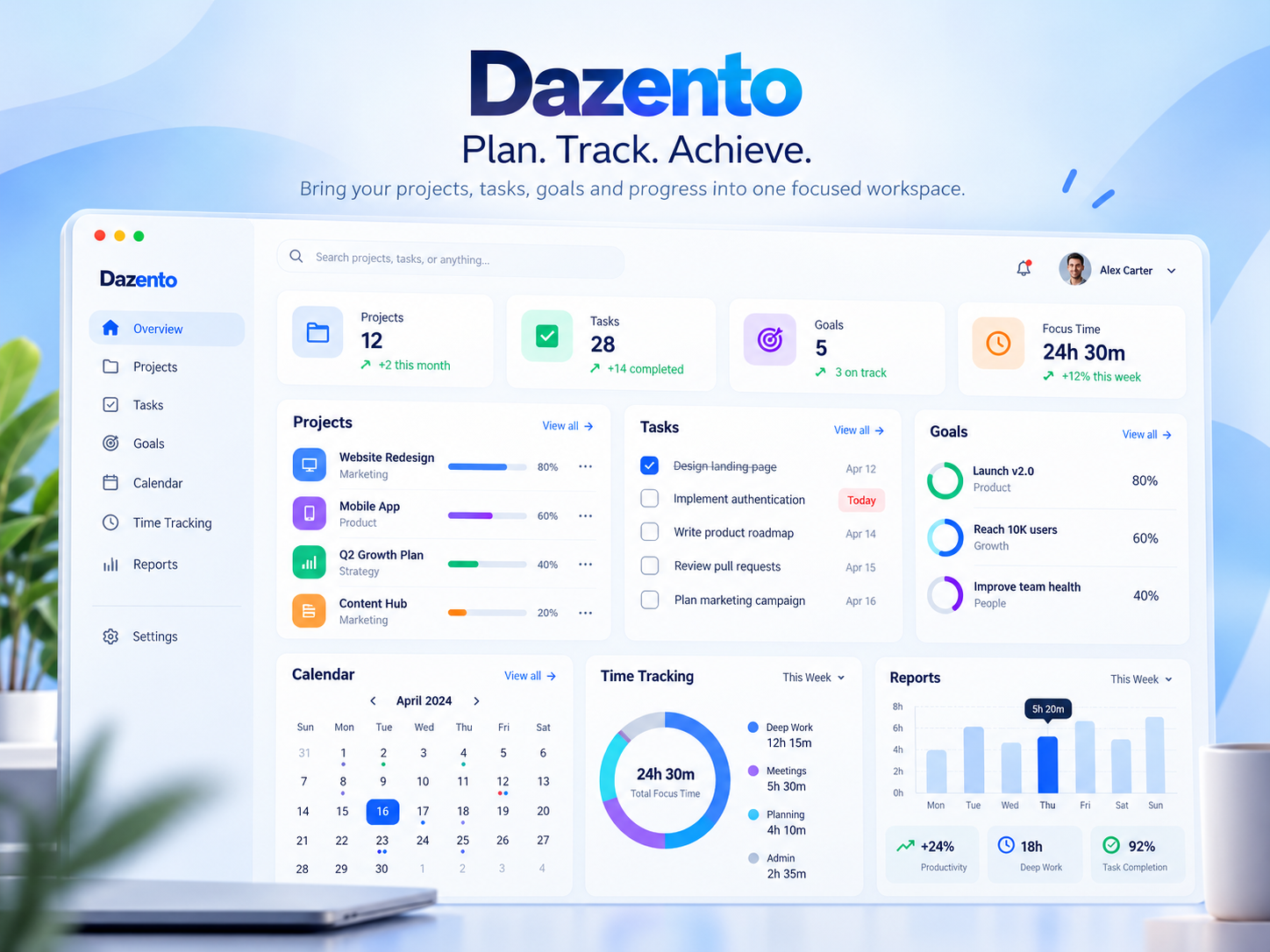
Dazento combines time tracking, project management, task planning, goal setting, calendar, and finance tracking — so you can focus on what really matters.
✓ Clean and modern interface✓ Designed for individuals and teams✓ AI-powered workspace assistant✓ Access from any device
Start Your Free Account →BUILT FOR EVERYONE♙ Students♧ Freelancers♙ Remote Teams♢ Creators➤ Startups▣ Small Businesses
YOUR WORKSPACE ASSISTANT
Ask. Plan. Do. With Dazento AI.
Chat or speak naturally to work with tasks, projects, goals, your timer and workspace.
✓ Ask about pending tasks✓ Create and manage work✓ Check project progress✓ Control your timer
Try Dazento AI →✦
What tasks are pending?
Create a task for tomorrow
Start my timer
How are my goals?
SIMPLE & TRANSPARENT
Pricing that grows with you
Start free and upgrade only when you need more.
$0/month
Dashboard, Timer, Projects and Tasks.
Get Started →$5/month
Basic plus Goals and Reports. Up to 2 paid workspaces.
Get Started →$10/month
All Dazento features. Up to 5 paid workspaces.
Get Started →READY TO GET STARTED?
Get Started Free →Bring your work into focus.
Create your Dazento workspace and start organizing today.